SSH tunnels,
beautifully simple
Stop copy-pasting tunnel commands. Storm Tunnel gives you visual, one-click SSH and AWS SSM port forwarding—no terminal required.
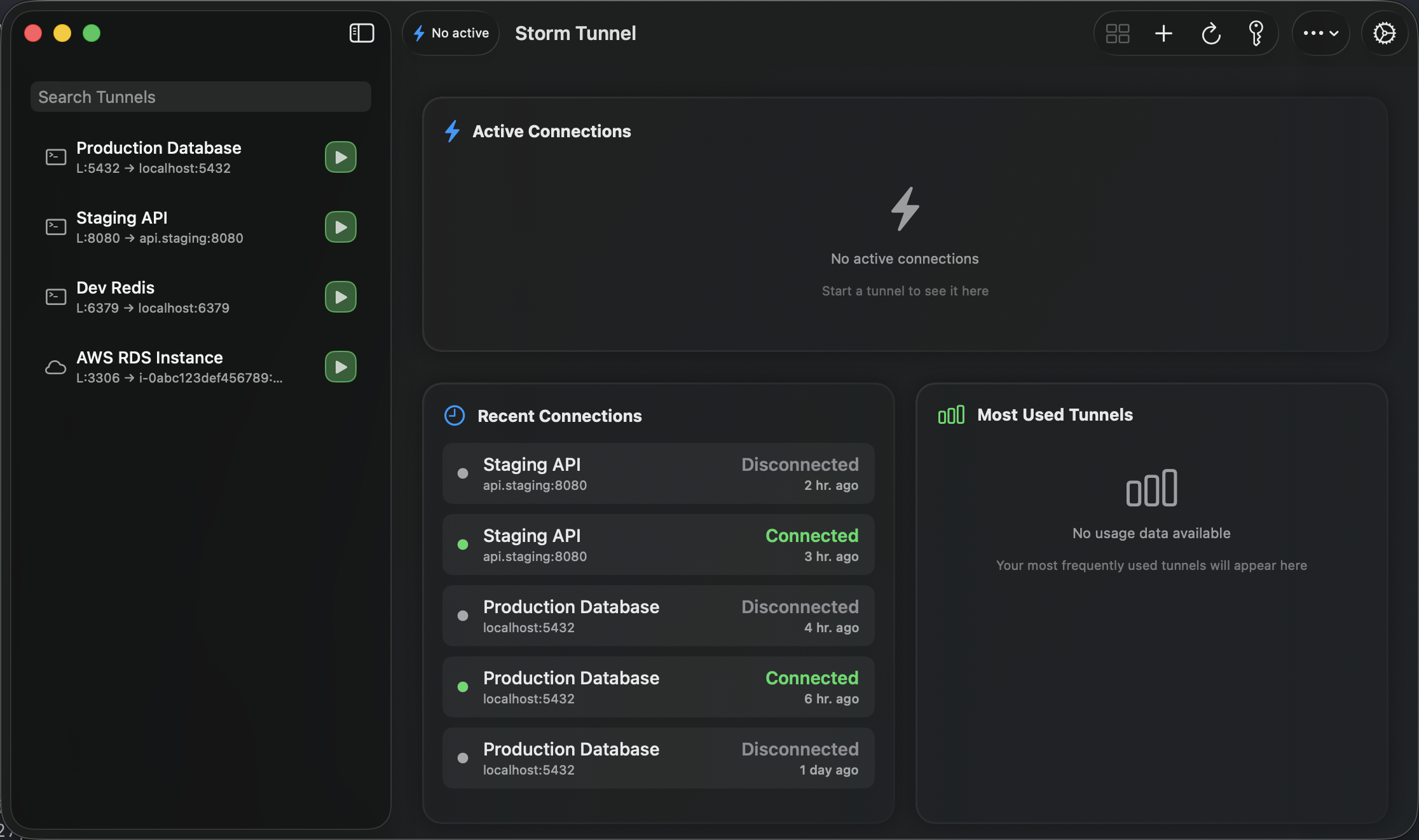
Stop Explaining Tunnel Commands
Reduce friction between DevOps and developers.
Fragile & opaque
DevOps engineers repeatedly explain complex SSH and AWS SSM tunnel commands to developers. Developers struggle with fragile CLI commands and lack visibility. Is the tunnel up? Did the session expire? Who knows.
Visual & respectful
Storm Tunnel removes friction by turning complex commands into a clear, visual workflow. Instead of "Here's the command, good luck," teams get "Open Storm Tunnel and click Connect."
Designed for Modern Workflows
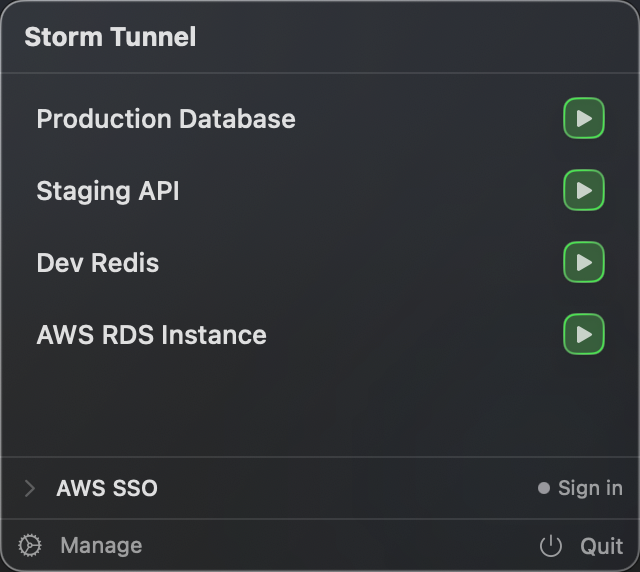
Menu Bar Control
Start and stop tunnels instantly from anywhere. Check status at a glance without breaking your flow.
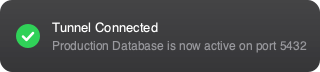
Smart Validation
Pre-flight checks catch configuration errors before you connect. Clear toast notifications keep you informed without disrupting your workflow.

Engineering-First Approach
Built on principles that matter to infrastructure teams.
One-Click Secure Access
DevOps engineers define tunnel configurations once. Developers connect with a single click. No deep SSH or AWS SSM knowledge required.
AWS SSM First-Class Support
Connect directly to EC2 instances using IAM credentials. No SSH keys or open ports required. Built by a DevOps engineer with 15+ years of experience.
No Telemetry, No Tracking
Your tunnel configurations stay on your machine. No analytics, no usage tracking, no external connections. Your infrastructure details are yours alone.
Native macOS Performance
Built with SwiftUI for macOS 15+. Lightweight menu bar presence, system notifications, and zero Electron overhead. Feels like it belongs on your Mac.
Become a Founding User
Join the limited beta and get early access to Storm Tunnel at discounted pricing.