AWS SSM access to private RDS,
made practical on macOS.
Storm Tunnel turns the secure AWS pattern into a repeatable workflow: your Mac connects through Session Manager to an EC2 instance that can reach private RDS endpoints and internal services.
One-Click RDS Access
Save the instance, AWS profile, region, RDS endpoint, and ports once. Developers connect to localhost without rebuilding a long Session Manager command every time.
Visible Connection State
Tunnel state is always visible. See when a private database tunnel is connected, reconnecting, or blocked by configuration before it turns into a debugging session.
AWS SSM First-Class
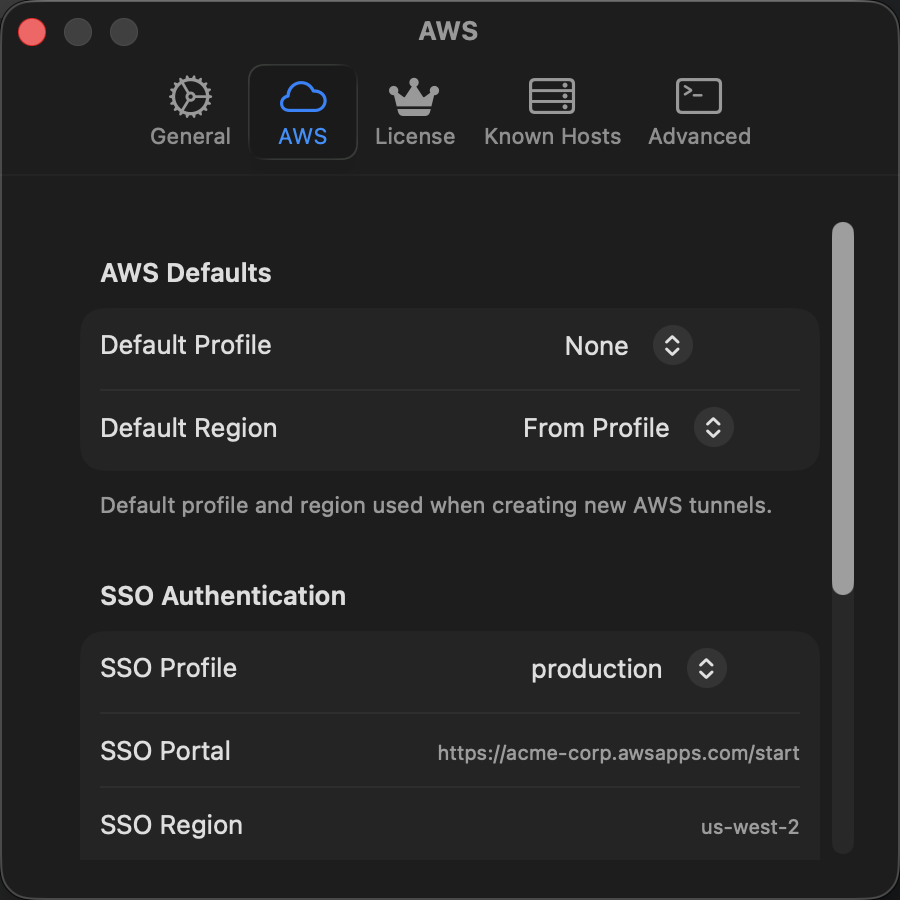
Use IAM credentials and Session Manager instead of public IPs, inbound SSH, or shared bastion keys. Built for teams that already trust AWS as the access control plane.
Private & Trusted
In the app, there is no telemetry, no tracking, and no data collection. Your infrastructure remains private. Storm Tunnel respects your privacy completely.
SSH Compatibility
Existing SSH tunnels still work. Import ~/.ssh/config when you need classic bastions or self-managed servers, while keeping AWS SSM as the preferred cloud path.
Fewer Support Requests
Smart pre-flight checks validate connectivity before attempting to connect. Clear error messages reduce troubleshooting time.
AWS Session Manager for private databases.
DevOps engineers can keep RDS in private subnets and give developers a controlled path through an SSM-managed EC2 instance. Developers connect from their database client to localhost; AWS handles the session identity and transport.
- No inbound SSH or database ports required
- IAM, AWS profiles, and SSO-friendly access
- Works with PostgreSQL, MySQL, and Aurora endpoints
- Session activity can fit existing AWS audit trails
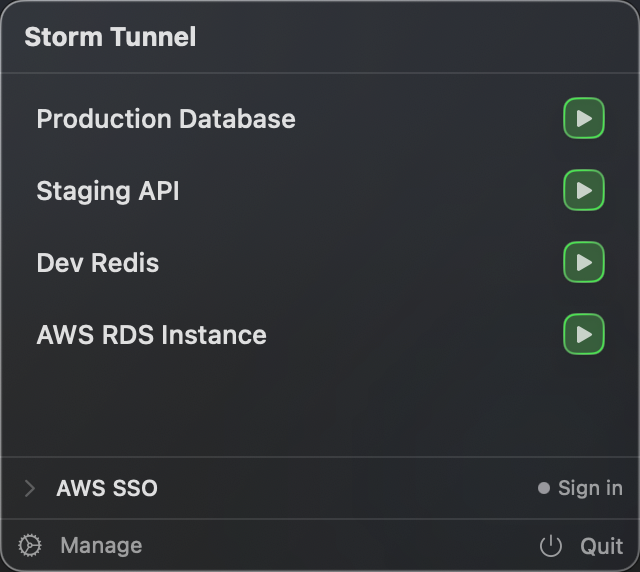
Reduce operational friction.
Storm Tunnel lives in your menu bar. Developers can toggle approved RDS and internal service connections without switching context, and infrastructure teams avoid repeating setup instructions in Slack.
- Global keyboard shortcuts
- Consistent access patterns
- One-click connect/disconnect
- Quick access to connection logs
Clear, actionable notifications.
Stay informed with elegant toast notifications that provide feedback without interrupting your workflow.
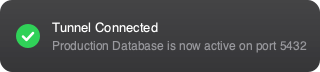
Connection success feedback
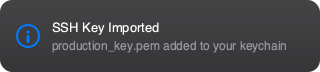
Helpful status updates

Proactive warnings

Clear error messages
- Non-intrusive native macOS design
- Auto-dismiss with configurable timing
- Actionable buttons for quick responses
- Respects system notification preferences
See Storm Tunnel in Action
A comprehensive look at every feature and workflow.
Quick access from menu bar
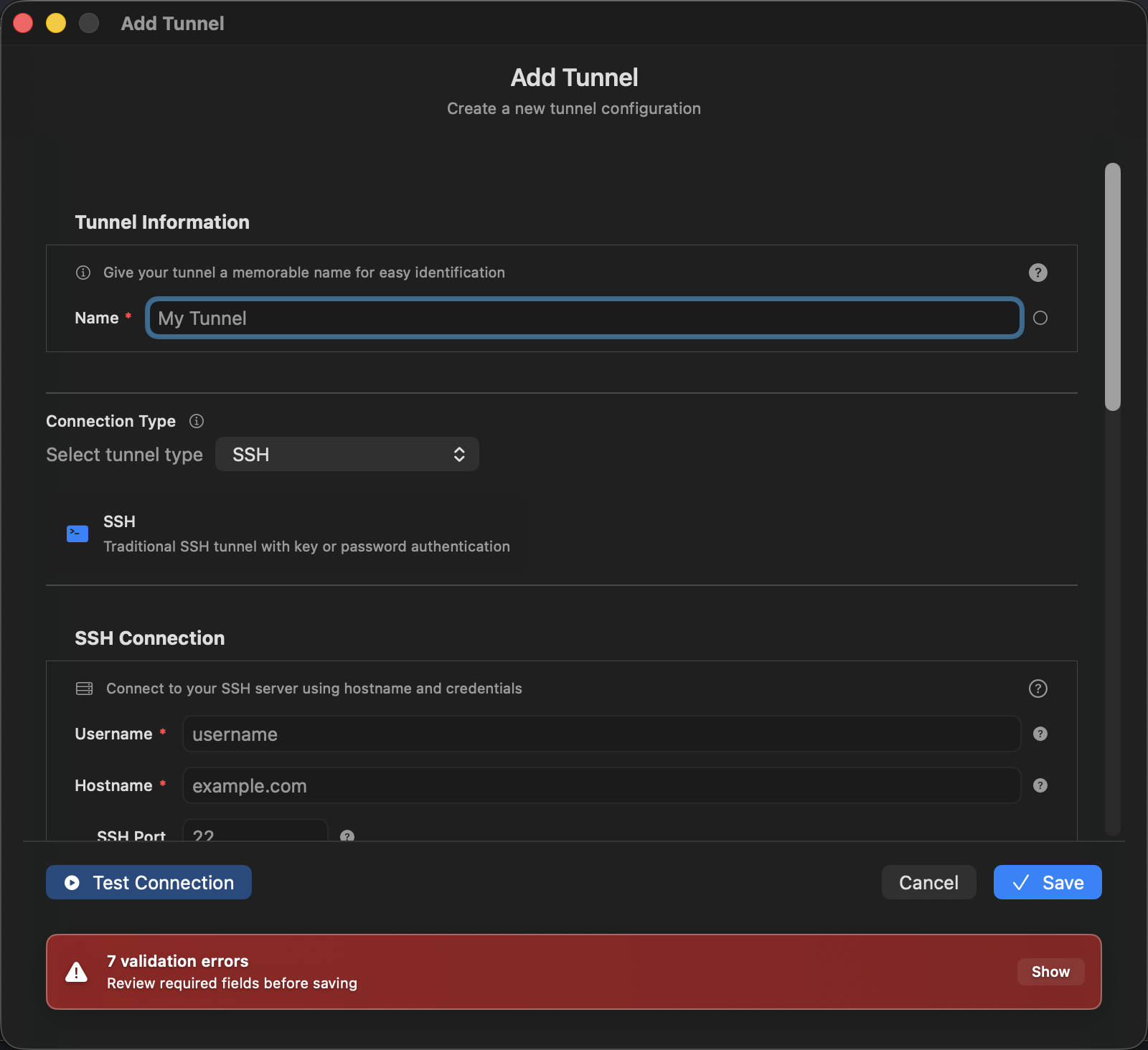
Add new tunnel configurations
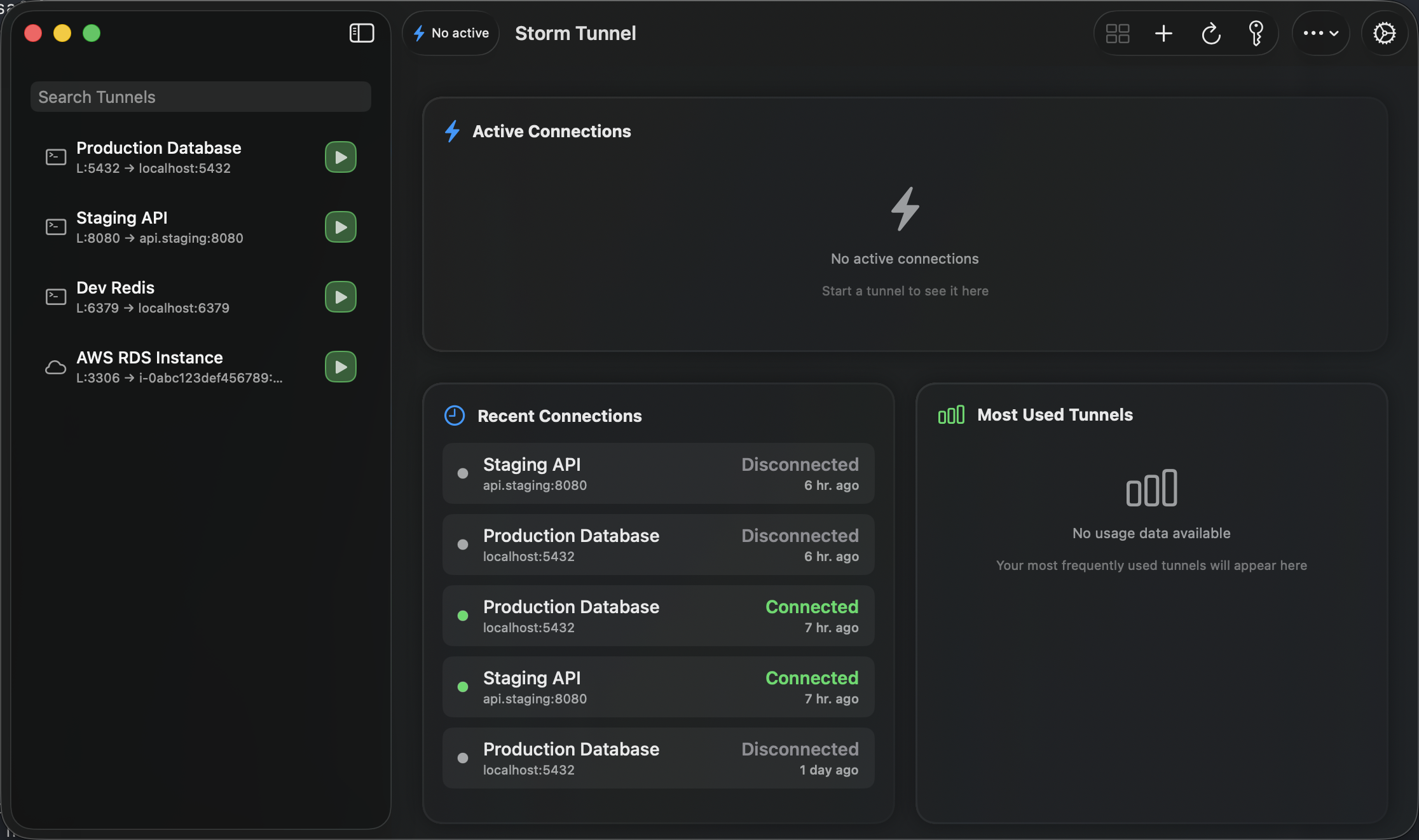
Monitor all your tunnels
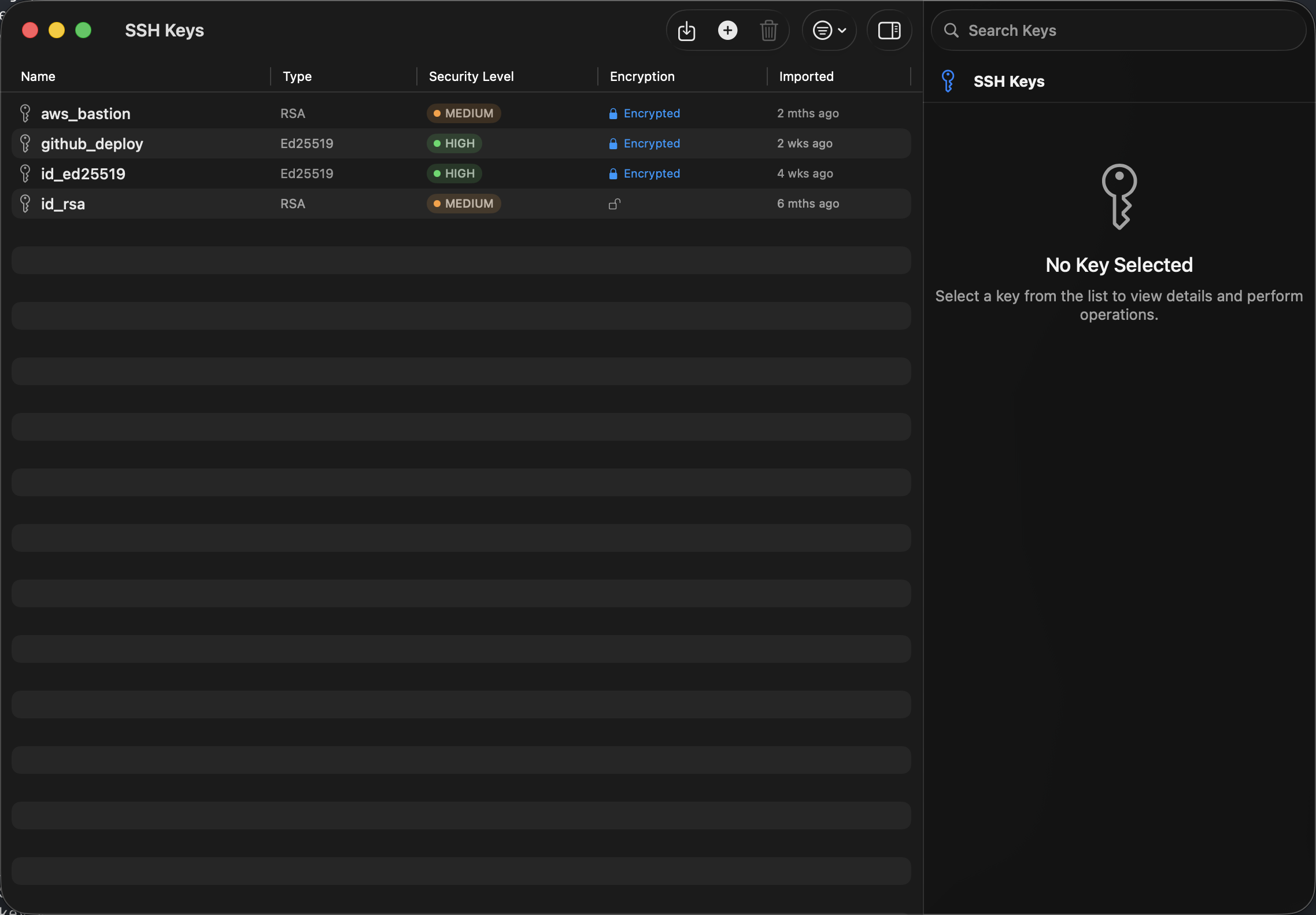
Manage SSH keys securely
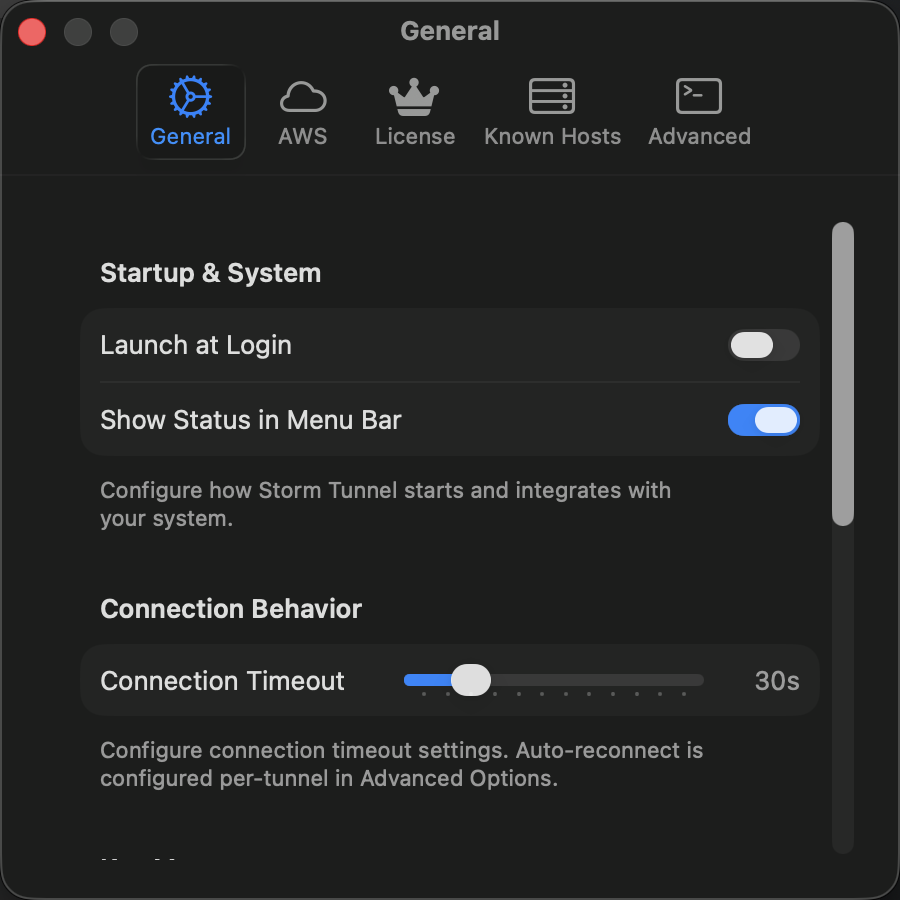
Customize to your workflow
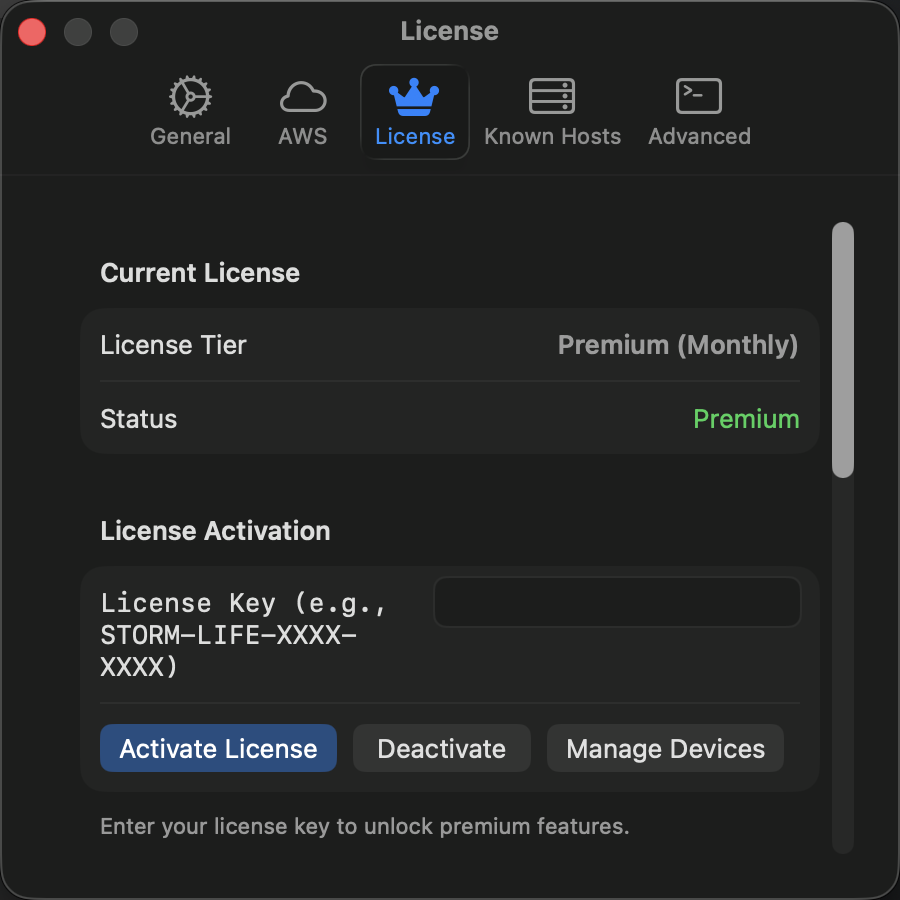
Simple license management
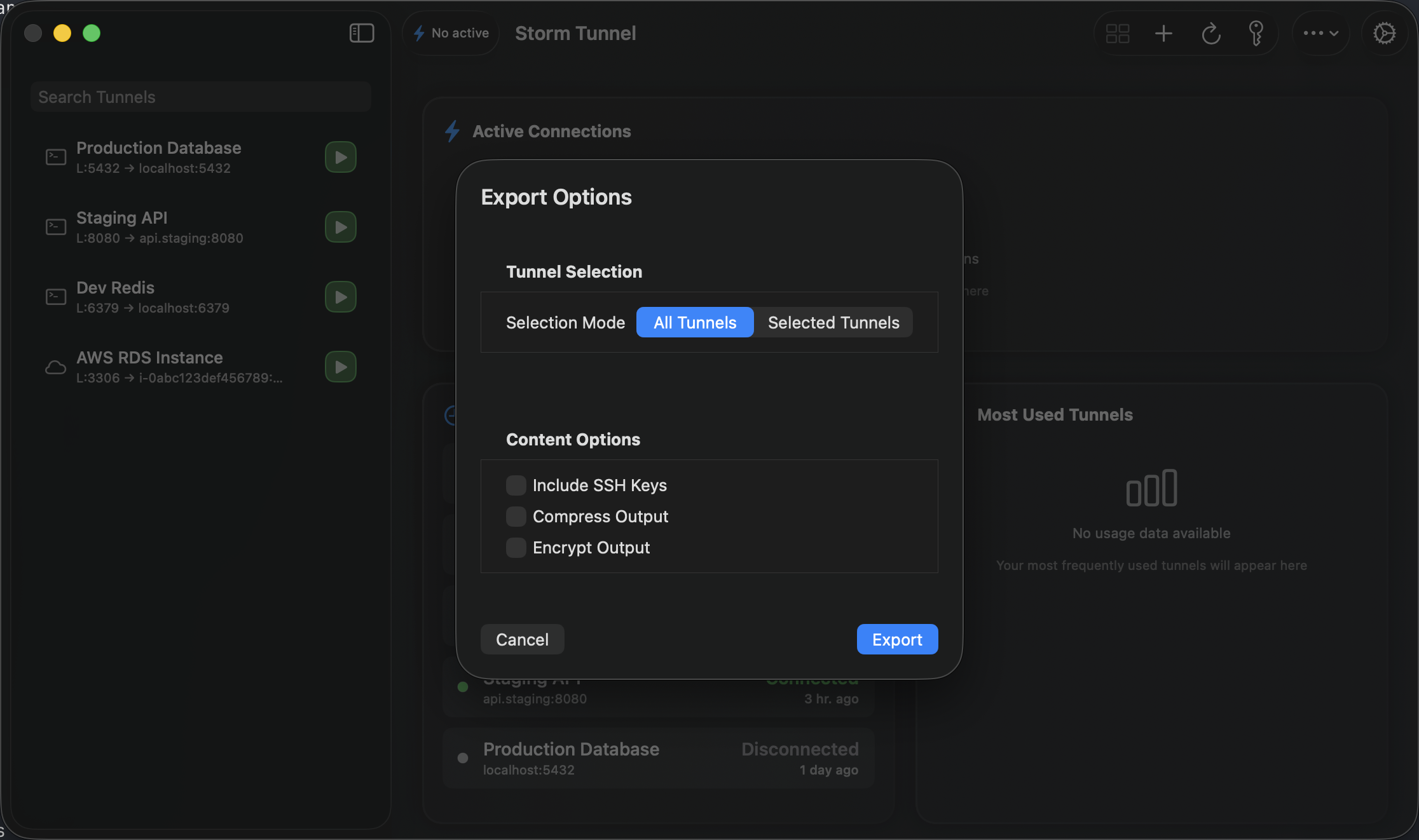
Export and share configurations
Make AWS private access usable.
Use Session Manager for RDS and internal services without making every developer memorize the CLI.