Engineering case study · Zoran Olujić
From a terminal workflow to a native macOS product.
I'm Zoran Olujić. I designed and developed Storm Tunnel to turn private AWS database access into a saved, visible workflow. This is how I approached the product, its architecture, and the failure paths that matter in daily infrastructure work.
- My role
- Product design & development
- Platform
- Native macOS 15 and later
- Core stack
- Swift, SwiftUI & AWS Session Manager
01 / The problem
Secure access still had too much friction.
AWS Session Manager provides a way to reach private infrastructure without opening inbound SSH ports. But connecting to a database still means getting the profile, region, instance, remote endpoint, and local port right every time. An expired sign-in or a stale process can interrupt a developer's work with little explanation.
Drawing on over 15 years of DevOps experience, I wanted to keep that AWS access model and make the daily interaction easier: define the connection once, see its state, and use the database client you already know.
02 / The architecture
A local interface over the AWS access path.
Storm Tunnel manages the connection on the Mac. AWS IAM controls access, and an SSM-managed EC2 instance forwards traffic to the private database or internal service it can reach.
- Database client Connects to localhost
- Session Manager plugin Opens the local tunnel
- SSM-managed EC2 Reaches the private target
- Private RDS Stays on the VPC network
I separated the SwiftUI interface, tunnel state and persistence, and transport lifecycle so the app can explain what is happening while a connection starts, fails, or stops. AWS integration uses the Swift SDK for service operations and the AWS CLI with the Session Manager plugin for port forwarding. SSH compatibility uses SwiftNIO.
03 / Engineering decisions
The hard part is the lifecycle.
Readiness before success
Starting a process does not mean a tunnel is usable. The app waits for the session ID and the requested local listener before reporting a connection. Startup has a timeout and cancellation path, and pipe reads run without blocking the main actor.
Recovery with a limit
Dropped connections can retry with a delay and a bounded number of attempts. Stopping a tunnel cancels pending retries and cleans up the process. Recovery should respect the user's intent, including when they edit or remove a connection.
Useful errors without secrets
Diagnostic output needs enough context to distinguish expired SSO, missing permissions, and a port conflict. AWS CLI diagnostics are bounded and sanitized to redact credentials and infrastructure identifiers while retaining recovery clues. Saved credentials use the macOS Keychain.
Regression tests for failure paths
The test suite includes fake AWS CLI processes and isolated storage to exercise startup failures, reconnection limits, cleanup, and import behavior. These scenarios make lifecycle changes reviewable without depending on a live AWS account for every test.
04 / Tradeoffs
Keep the boundary clear.
Reusing the AWS CLI and Session Manager plugin means the app follows the AWS tooling and profile workflows teams already use. It also means those tools must be installed, and subprocess output, timeouts, and termination need explicit handling.
The app cannot fix an EC2 instance that is offline, a missing IAM permission, or a VPC route that cannot reach the database. Its job is to validate what it can, show the failure clearly, and help the user find the next action. The app has no usage analytics; tunnel configuration stays local.
05 / The result
A working product you can try.
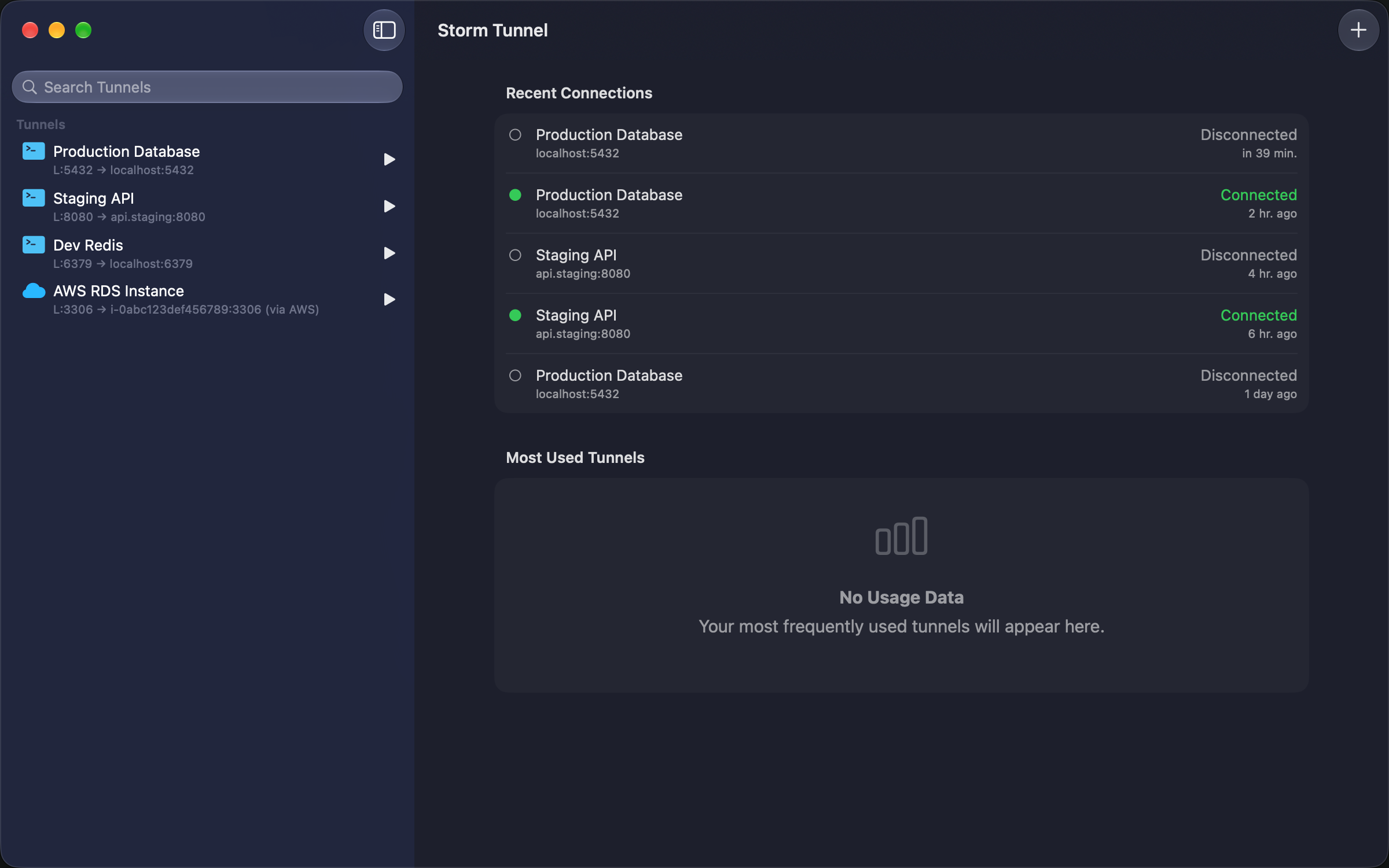
Storm Tunnel is available for macOS with saved AWS connections, access checks, a menu bar interface, and SSH compatibility. It brings together my infrastructure experience and native app development in a product built around a specific operational problem.
The source code is private. You can explore the app, its documentation, and my public GitHub profile below.